01 ProductsFreeTimer
FreeTimer
- Category
- Productivity
- Platform
- Android, iOS, Windows, macOS
- Developer
- Jacobs Factory
- Status
- Released
One-tap focus timer. No ads.
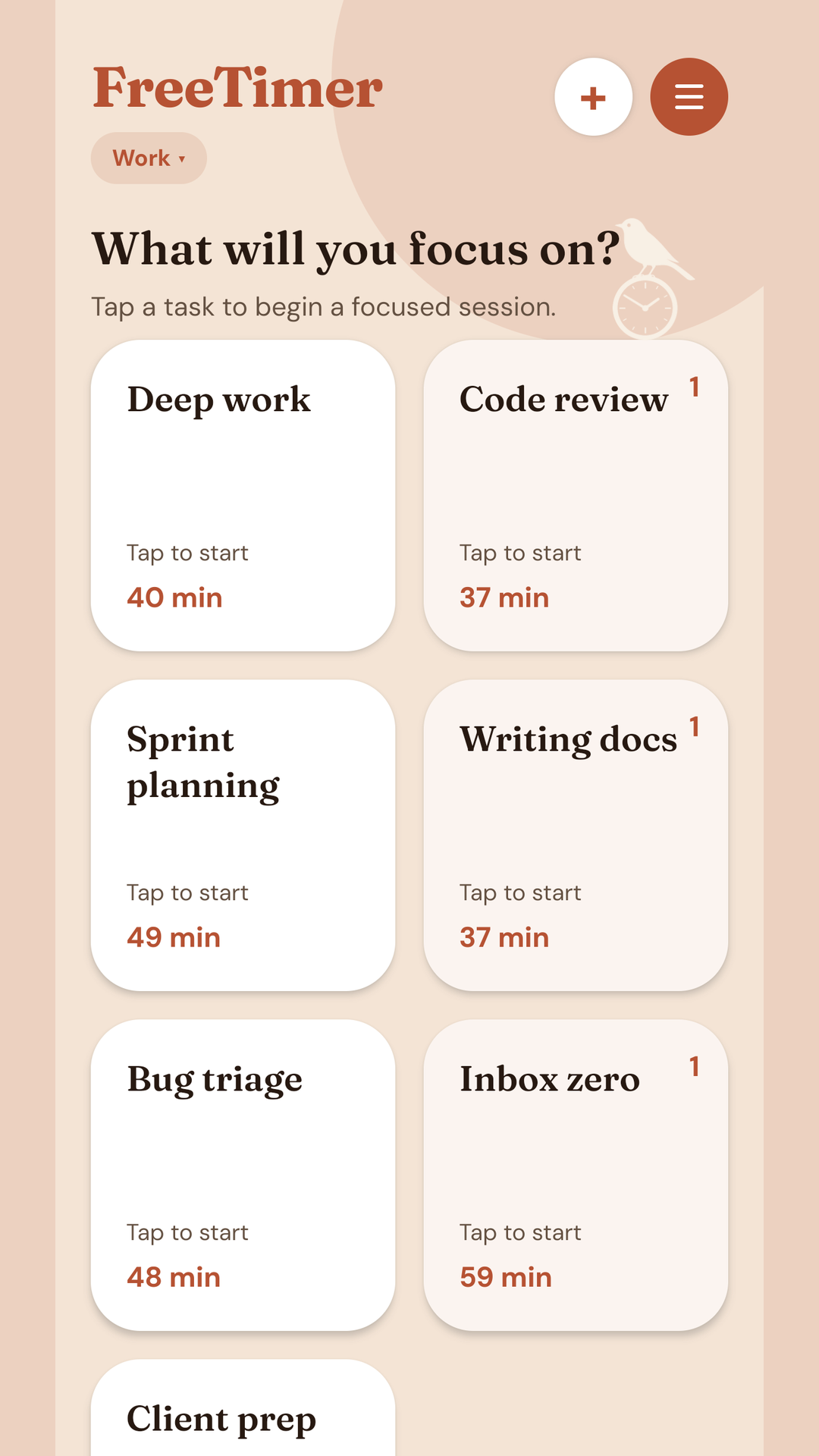
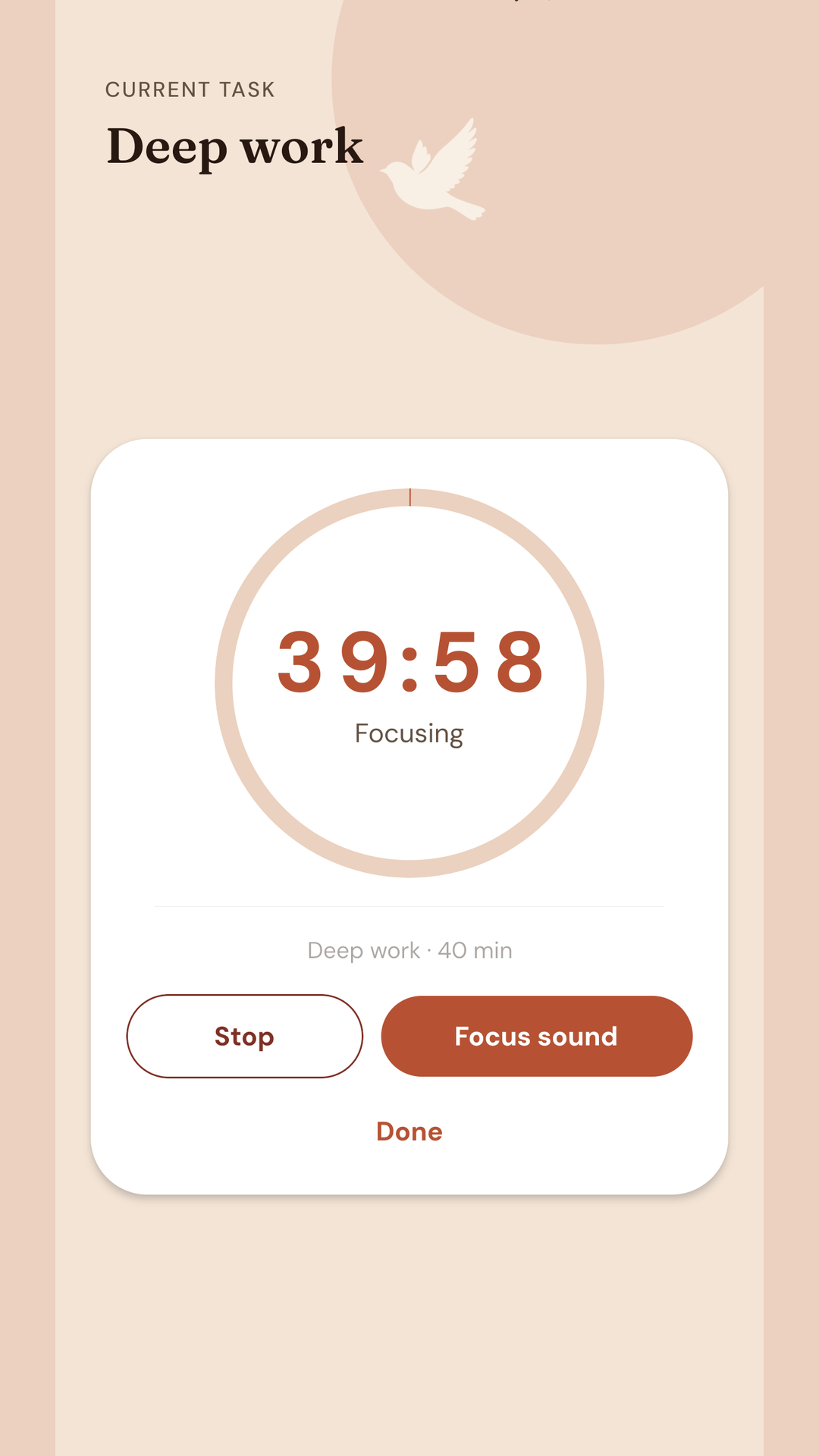
FreeTimer turns the things you want to focus on into buttons. Tap one, and the timer starts.
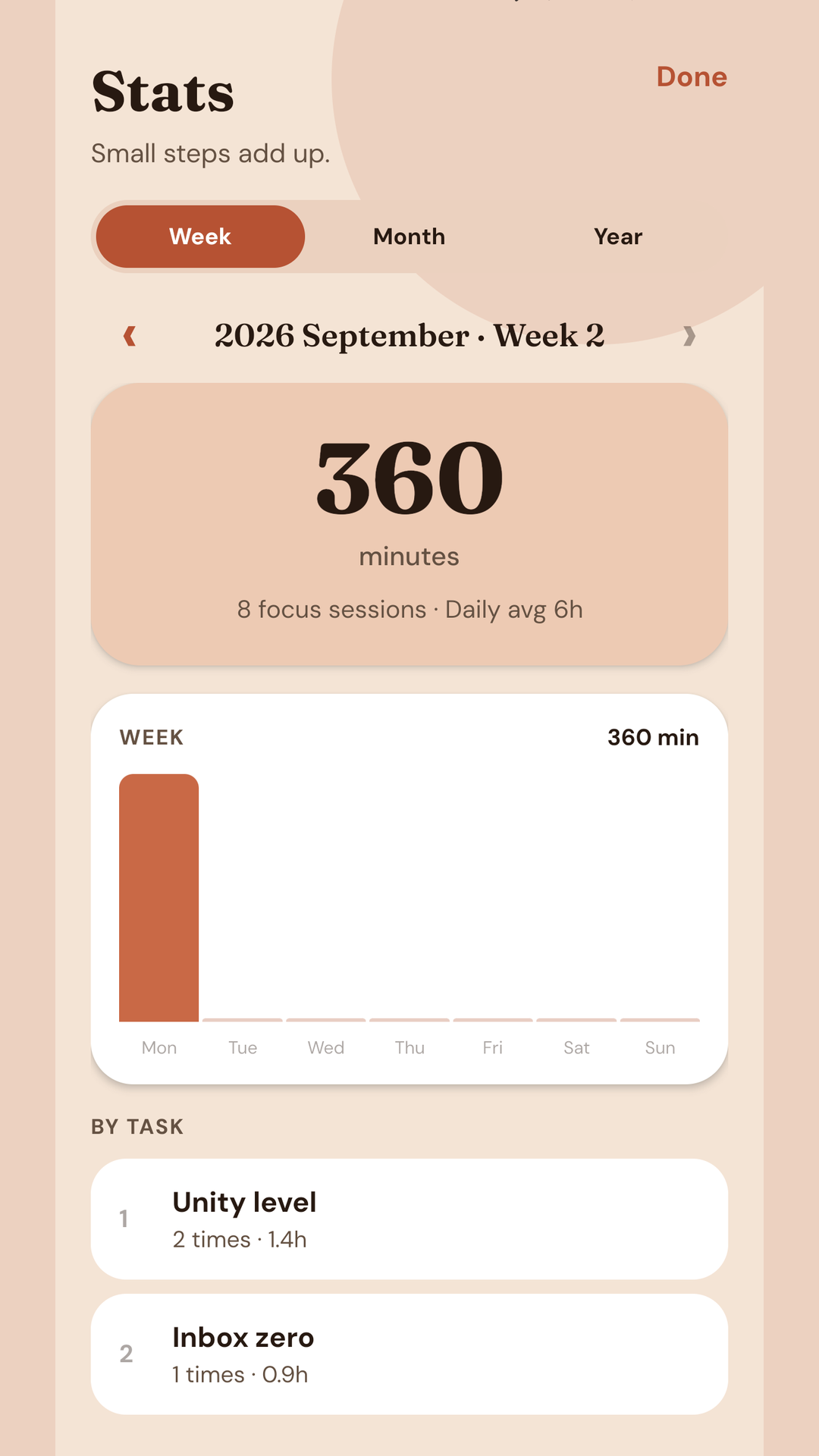
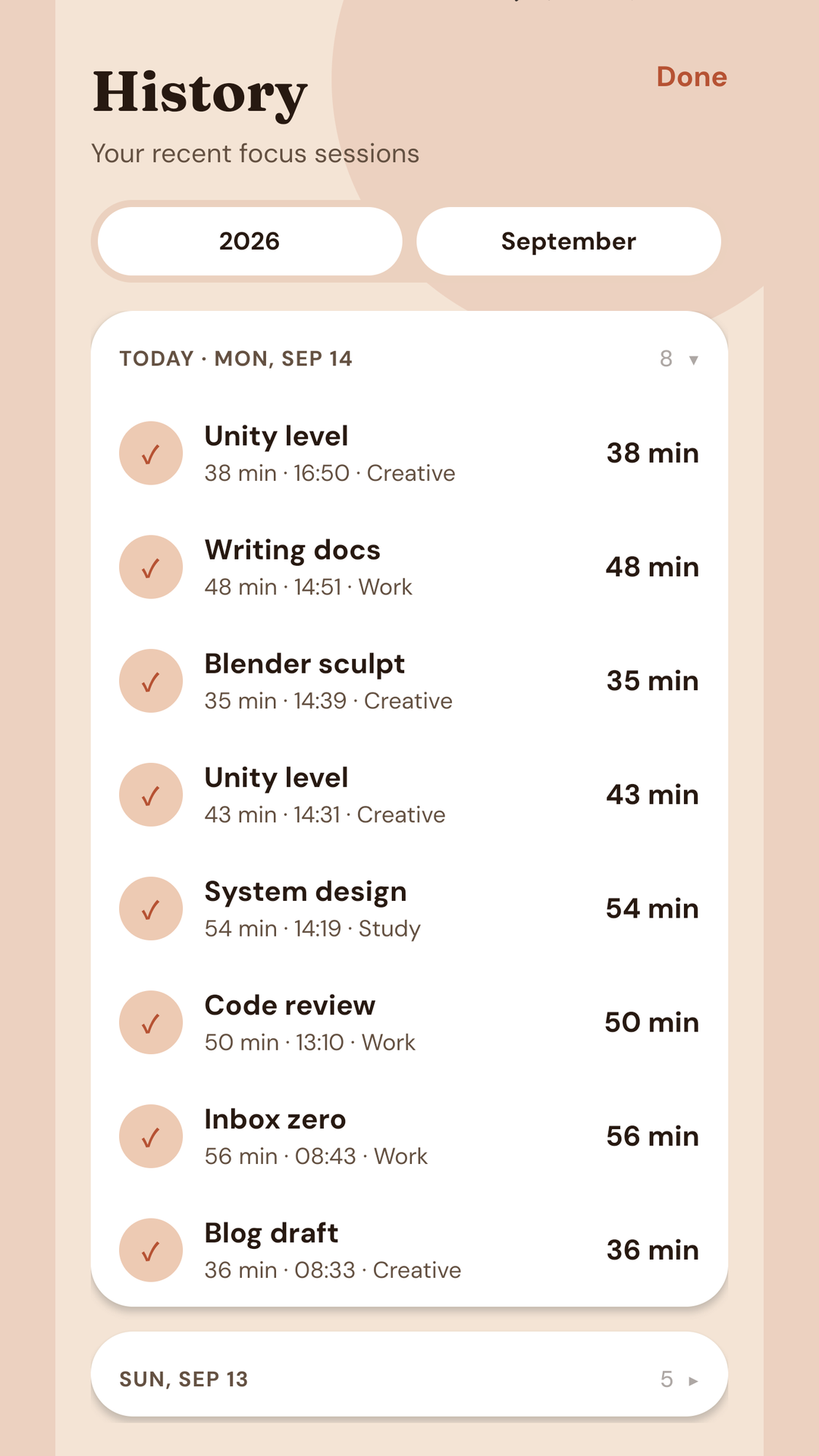
Give a task a name and a duration — 50 minutes of math, 25 minutes of writing — and keep it on the home screen. Organize tasks into groups, then review completed sessions by week, month, or year.
Play rain, forest, cafe, or other focus sounds while the timer runs. Extra sounds download when you need them. A short quote of the day can appear on the home screen.
Sign in with Google once and this PC stays in sync with your other devices, including the Android app. Sign-in is optional. If you turn it on, data syncs only to this app’s hidden Google Drive folder. There are no ads. Everything you need is free.
AScreenshots
BFeatures
- 01One-tap timers for each task
- 02Groups to keep work organized
- 03History and stats by week, month, or year
- 04Focus sounds (rain, forest, cafe, and more)
- 05Today’s quote on the home screen
- 06Light, dark, and color skins
- 07Local backup and auto-backup
- 08Optional Google sync across this PC and Android